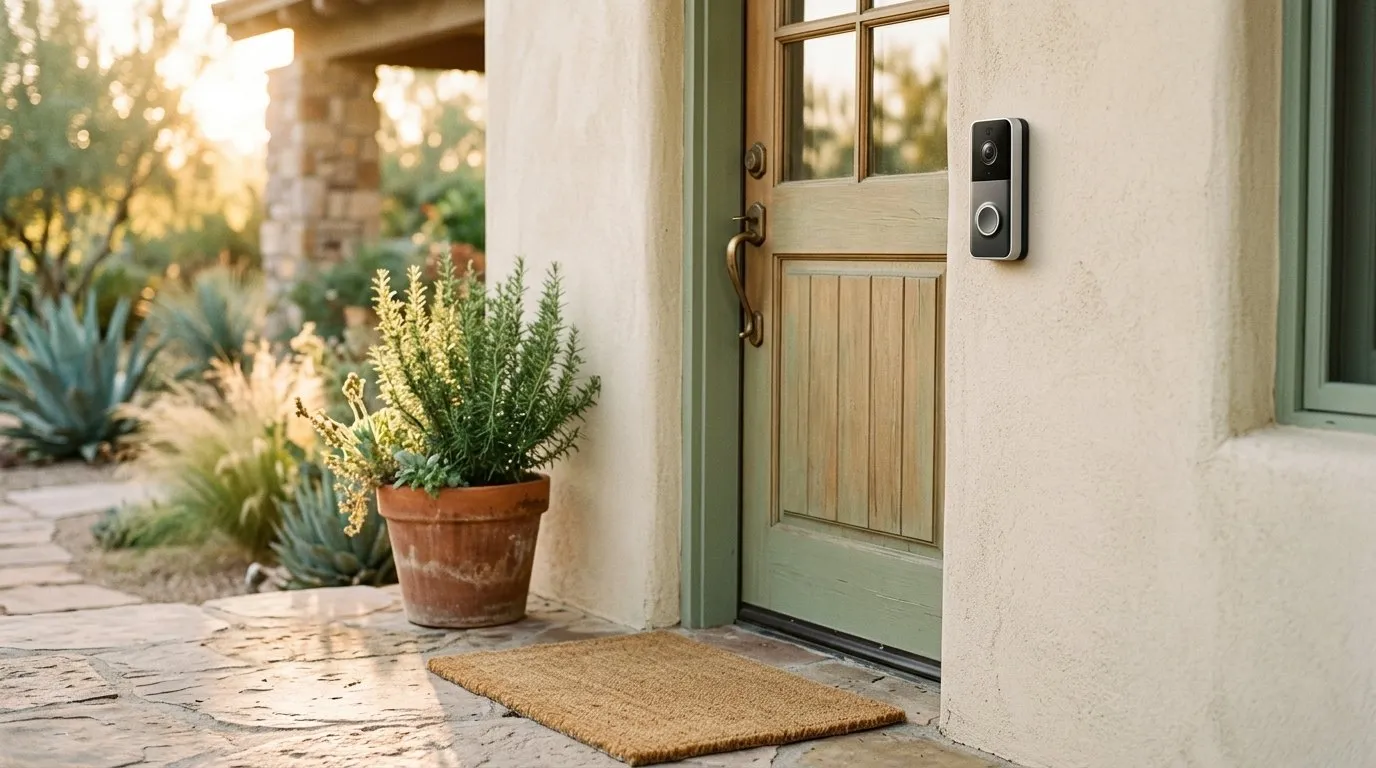
For most families checking in on an aging parent’s front door — package deliveries, visitors, the occasional “did Mom make it inside okay?” — the Ring Battery Doorbell paired with an Echo Show on the kitchen counter is the easiest setup. The parent sees who’s at the door on a screen they already understand, and an adult child a few states away can pull up the live view on their phone in about three seconds.
If paying a monthly subscription forever bothers you, skip Ring and go with the Logitech Circle View (local storage, works with Apple HomeKit) or the Arlo Essential Wired (person detection without a subscription). All three are good choices — the right one depends on what hardware your parent already has and whether anyone in the family is Apple-only.
Below is how to think about it without overcomplicating things.
What actually matters for this use case
A doorbell camera for an aging parent isn’t a security system. It’s a quiet way to answer three practical questions from a distance:
- Did the package get delivered, and did someone grab it before it sat out all night?
- Who’s at the door right now, and should Mom open it?
- If something happened at the entry — a fall on the steps, a confused visitor who won’t leave — can I see it and respond?
Everything else (facial recognition, pre-roll, 4K, color night vision) is nice but not the point. Focus on four things when shopping:
- Wired vs. battery. If there’s already a wired doorbell, use a wired model. Batteries mean someone has to climb up and swap or recharge them every few months, and that someone probably isn’t your 78-year-old father.
- Who sees the video. The parent should have a frictionless way to see visitors — ideally a smart display they already own, not a phone app they’ll never open. The adult child uses the phone app.
- Storage model. Cloud (subscription, works anywhere) vs. local (one-time cost, slightly more setup). Both are fine; it’s a preference.
- Field of view and the “head-to-toe” question. A tall, narrow view (sometimes called 1:1 or portrait aspect) shows packages on the ground and a visitor’s face in the same frame. This matters more than resolution.
Setup realities: who installs it, and who manages the app
Honest answer — in most families, the adult child installs the doorbell during a visit and sets up the app on their own phone. The parent doesn’t need the app at all if there’s an Echo Show or similar display; the doorbell will chime through the display and show a live feed automatically when someone presses the button.
This is the setup worth aiming for. The parent interacts with hardware they already use. You get the notifications. Nobody has to teach anyone a new app.
A quick note on power: all four doorbells below can run on existing doorbell wiring (16–24V AC). If your parent’s house doesn’t have a wired doorbell — common in older ranch homes — Ring’s battery version is the only one that’ll work without an electrician.
Subscription or no subscription?
Short version: Ring and Arlo both charge monthly for cloud video history (roughly the cost of a streaming service tier). Logitech doesn’t charge anything but requires an Apple device in the house to store footage. Wyze has an inexpensive optional plan.
Do you need the subscription? For this use case, probably yes if you go with Ring — without it you get live view and real-time notifications, but no recorded clips to look back at. Looking back at clips is often the whole point (“when did the home health aide actually arrive?”). If subscription fatigue is real, go Logitech or Arlo instead.
The four doorbells worth considering
Ring Battery Doorbell — best overall for most families
The default pick. Setup takes about 20 minutes, the app is the most polished in the category, and the Echo Show integration is genuinely seamless — when someone rings, the Show lights up with a live view and two-way talk. If the parent already has an Echo device for timers or music, this is the obvious choice.
The trade-off is the subscription for recorded video. The basic plan is cheap but it’s forever.
Best for: Families already in the Alexa ecosystem, or where the parent uses an Echo Show. Skip if: You refuse subscriptions on principle, or the household is Apple-only.
Logitech Circle View Wired — best if the family is Apple-only
Records locally through Apple HomeKit Secure Video, which means footage lives on an iPad, HomePod, or Apple TV in the house (one of them has to stay plugged in and on). No monthly fee. Video quality is excellent day and night, and the face recognition — if you want it — happens on-device rather than in a cloud server somewhere.
Caveat: it genuinely requires an Apple hub. If nobody in the household has an iPad or Apple TV already, you’re buying extra hardware to make it work.
Best for: iPhone families who already have an iPad or Apple TV sitting around. Skip if: The household uses Android or Alexa.
Wyze Video Doorbell — best budget pick
Significantly cheaper than the others and surprisingly capable. The app works on iPhone and Android, setup is straightforward, and the optional Cam Plus subscription is a few dollars a month if you want person detection and recorded clips.
The honest downside: Wyze has had well-publicized security incidents over the past few years. The company has made changes, but if you’re nervous about camera-maker reputation, that history is worth knowing. The hardware itself works well.
Best for: Trying out a doorbell camera without a big investment, or a second property. Skip if: Past security issues at the company would keep you up at night.
Arlo Essential Wired Video Doorbell — best without a subscription
Arlo gives you a lot without paying monthly: live view, two-way talk, motion alerts, and even on-device person detection on the newer wired model. A subscription unlocks cloud recording and smart alerts, but you can skip it and still have a useful camera.
Video is sharp, and the tall field of view shows packages on the ground clearly. The app is slightly less polished than Ring’s but perfectly workable.
Best for: Families who want solid features without an ongoing bill. Skip if: You want the most hand-holdy setup experience possible — Ring still wins there.
A few related safety considerations
A doorbell camera handles the entry, but it’s worth looking at the rest of the front-door setup too. If parents are navigating steps or a slick threshold daily, non-slip grip socks around the house and grab bars where balance gets tricky do more for fall prevention than any camera. And if steadiness on the front steps is a concern, a walking cane sized properly for arthritis is a cheap addition that pays off every single day. The doorbell answers the “who’s at the door” question; for the stretches when a parent is out of the house entirely — a neighborhood walk that runs long, a drive to an appointment — a GPS watch that lets you check in on an aging parent’s location covers the ground the camera can’t, and in the same quiet, peace-of-mind spirit rather than looking over anyone’s shoulder.
FAQ
Will my parent need to use a smartphone app? No, if you set up a smart display like an Echo Show (for Ring) or use existing Apple hardware (for Logitech). The display handles the chime and live view automatically. The adult child uses the phone app on their end.
Is a subscription really necessary? It depends on the brand. Ring is noticeably less useful without one — you lose recorded clips. Logitech requires no subscription at all. Arlo gives useful features without one. Wyze’s plan is cheap and optional.
What if there’s no existing doorbell wiring? Ring’s battery-powered models work with no wiring. The others require low-voltage doorbell wiring already in place. For a house without wiring, an electrician visit or the battery Ring is the realistic choice.
Can multiple family members get the alerts? Yes. All four brands allow shared access, so siblings in different cities can each see the live view and get notifications. Set this up during installation so no one feels locked out.
Does the parent know they’re being recorded? These cameras face outward at the front door and the public walkway — not inside the home. That’s the whole point of framing this as door-and-package visibility rather than monitoring. Being upfront with your parent about why you’re installing it (“so I can help with deliveries and see who’s at the door”) avoids any sense of surveillance.
Bottom line
For most families, the Ring Battery Doorbell paired with an Echo Show the parent already uses is the simplest, most reliable setup. If subscriptions bother you, Logitech Circle View (for Apple households) or Arlo Essential Wired (for everyone else) do the job without a monthly bill. Install it during a visit, add shared access for any siblings who want it, and keep the framing honest — this is about packages, visitors, and peace of mind at the front door, not about looking over anyone’s shoulder.